The short answer
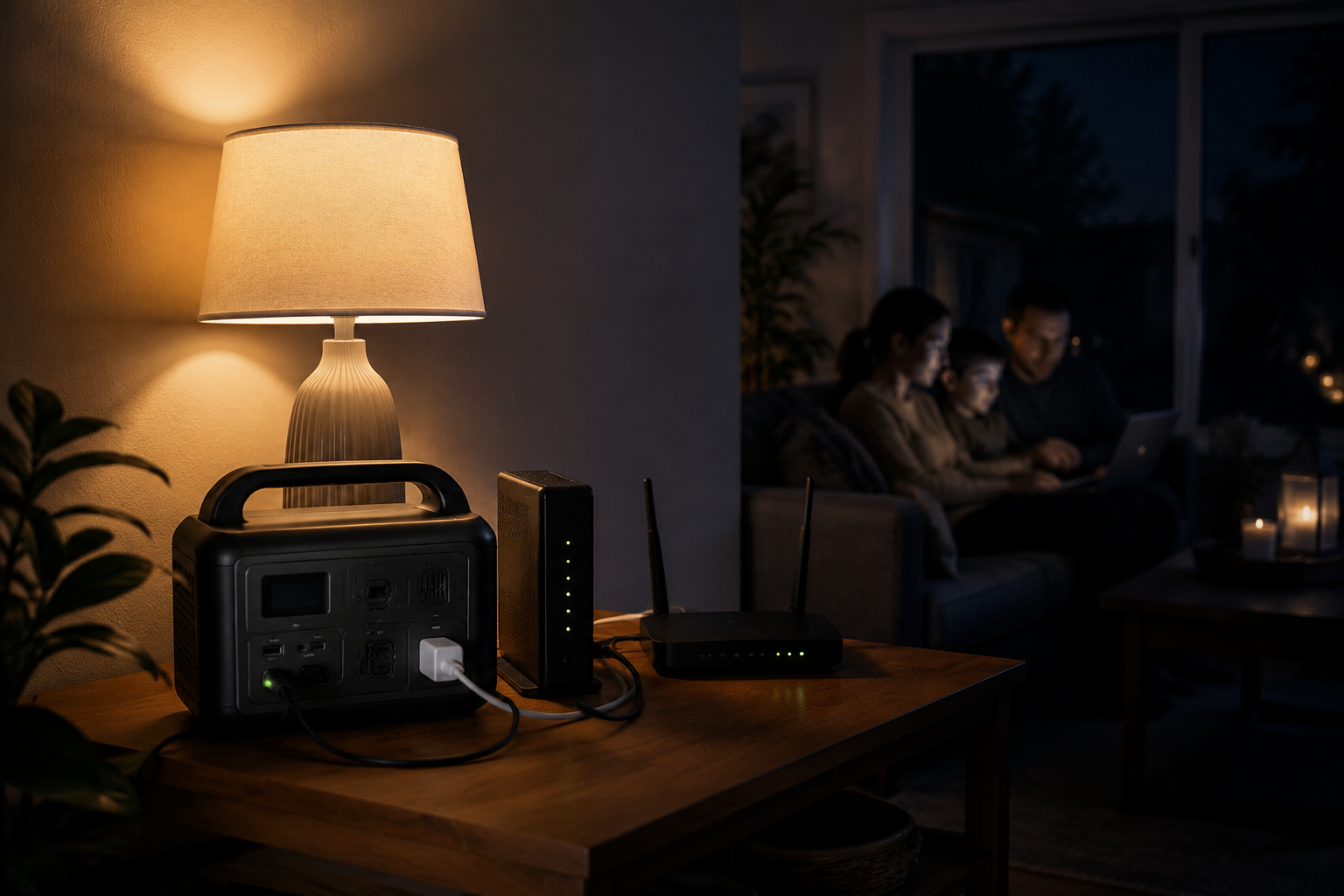
For a modem, router, and VoIP adapter, start with a compact power station in roughly the 245–300Wh class. It offers far more stored energy than a small desktop UPS without forcing you into a heavy whole-home unit. Move up to about 1,000Wh only when you also need to support larger essentials or substantially longer outages.
Quick picks
These three sizes cover the most common buying decisions. Choose by what must stay powered and for how long—not by the largest output number on the box.
Best network-focused choice
EcoFlow RIVER 3 Plus
A compact 286Wh station with UPS-oriented features for a modem, router, VoIP adapter, and a few small essentials.
Current Amazon optionsCheck EcoFlow RIVER 3 Plus optionsOpen shopping resultsBest simple compact choice
Jackery Explorer 300
A familiar 292Wh option with ordinary AC outlets and more than enough output for typical networking equipment.
Current Amazon optionsCheck Jackery Explorer 300 optionsOpen shopping resultsBest longer-outage upgrade
Anker SOLIX C1000
A 1,056Wh step-up for shoppers who also want to power lights, charge devices, or cover a much longer outage.
Current Amazon optionsCheck Anker SOLIX C1000 optionsOpen shopping resultsHow we chose these options
We compared published battery capacity, AC output, transfer behavior, outlet layout, portability, warranty information, and how well each size fits a real network-backup job. We also looked for products with established availability and avoided pretending that a manufacturer's single-device runtime example represents a complete home network. HTHaven has not personally stress-tested every model listed.
Three sensible starting points
| Model | Best for | Listed capacity / output | Main tradeoff |
|---|---|---|---|
| Jackery Explorer 300 | A popular, simple compact option | 292Wh / 300W | Older design and fewer network-specific UPS features |
| EcoFlow RIVER 3 Plus | Router, modem, and home-office backup | 286Wh / 600W | Costs more than a basic short-runtime UPS |
| Anker SOLIX C1000 | Longer outages and additional household essentials | 1,056Wh / 1,800W | More size, weight, and expense than a network-only setup needs |
Specifications were checked September 2, 2026. Product bundles and listings change, so confirm the model and included cables before buying.
Why capacity matters more than headline watts
A router may draw only a small fraction of a power station's maximum output. The output rating tells you what the station can run at once; watt-hours describe the stored energy available over time. For low-watt networking gear, capacity and conversion efficiency are usually the more useful comparison.
Estimate the combined watts of the modem or fiber terminal, router, required mesh node or switch, and home-phone adapter. Then compare that load with manufacturer runtime data. Do not divide watt-hours by load and treat the result as a guarantee—AC conversion, standby use, temperature, battery age, and shutdown reserves reduce real runtime.
Portable power station or ordinary UPS?
| Choose a small UPS when… | Choose a power station when… |
|---|---|
| You mainly need a few minutes to ride through brief interruptions | You want hours of backup for low-watt equipment |
| Automatic switchover is the first priority | Capacity, portability, and recharging options matter more |
| You want a lower initial price | You may also charge phones, lights, or other essentials |
If uninterrupted transfer matters, verify the exact model's transfer time and whether the manufacturer supports continuous UPS use. A product having AC outlets does not automatically make it equivalent to a conventional UPS for every device.
What each option gets right
Jackery Explorer 300: the popular compact choice
Amazon's Outdoor Generators & Portable Power best-seller page currently places the Explorer 300 first. Its 292Wh capacity and 300W output are comfortably above the needs of ordinary networking equipment, while the familiar AC outlets keep setup simple.
EcoFlow RIVER 3 Plus: the network-focused choice
EcoFlow explicitly positions the RIVER 3 Plus for UPS and network backup. The company lists two rear AC outlets, a 286Wh battery, 600W output, and an example of up to 35 hours for a 3W router. That example is useful for scale, not a promise for a complete home network.
Anker SOLIX C1000: the longer-outage step-up
The C1000 jumps to 1,056Wh and 1,800W. That is excessive for only a modem and router, but it makes sense when the buying goal includes more equipment, longer runtime, or occasional higher-watt loads.
Before buying
- Add the watt ratings for every device required to keep the connection working.
- Confirm that the station has enough AC outlets for the actual power adapters.
- Check transfer-time and continuous-UPS guidance if equipment must stay online without rebooting.
- Look for a battery chemistry and warranty that fit how often the unit will be used.
- Test the full setup by disconnecting wall power and making a call or loading a webpage.
Frequently asked questions
How big a power station do I need for a modem and router?
A compact unit around 245–300Wh is a sensible starting range for many modem-and-router setups. Actual runtime depends on the combined watt draw, AC conversion losses, battery condition, and whether extra equipment such as a fiber terminal, mesh node, switch, or VoIP adapter is required.
Can a portable power station replace a UPS?
Sometimes, but not automatically. Verify the exact model's transfer time and whether its manufacturer supports continuous UPS use. A device with AC outlets can still allow sensitive equipment to reboot during the change from wall power to battery.
Will backup power keep the internet working during every outage?
No. It keeps your equipment powered, but the internet provider's neighborhood equipment or upstream connection can still fail. Test your complete setup before relying on it.
Sources
Amazon Outdoor Generators & Portable Power best sellers · EcoFlow RIVER 3 Plus specifications · Anker SOLIX C1000 listing
Choose the smallest capacity class that comfortably covers your required equipment and outage goal. Product availability and bundles change.
Current Amazon optionsView Jackery Explorer 300 options on AmazonOpen shopping results Current Amazon optionsView EcoFlow RIVER 3 Plus options on AmazonOpen shopping results Current Amazon optionsView Anker SOLIX C1000 options on AmazonOpen shopping results