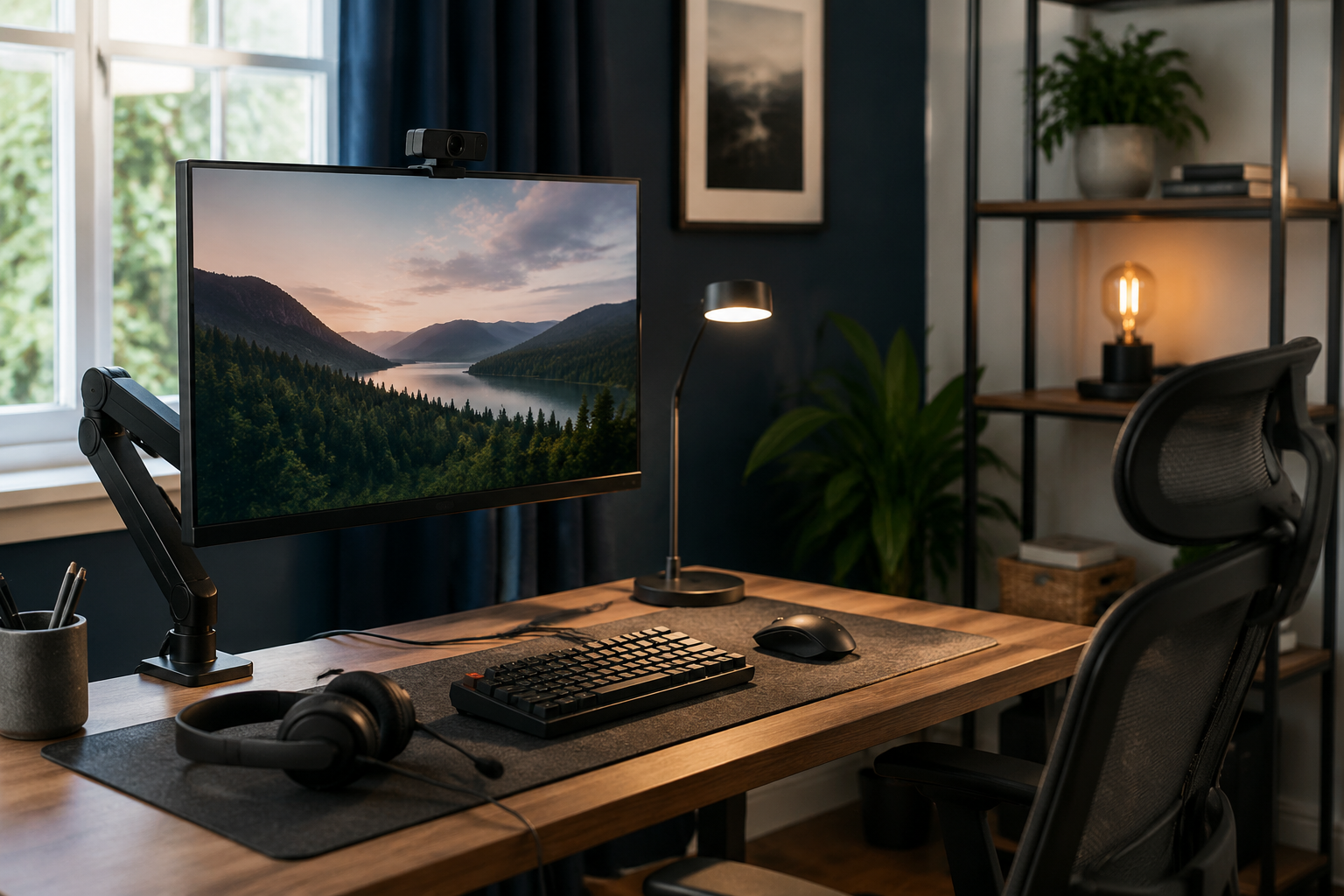
A better office comes from fixing the biggest daily annoyances first. You may not need every product below, and the total varies with current prices. Prioritize the weakness you notice every day instead of buying the entire list at once.
What to compare before buying
- Measure monitor size, weight, VESA pattern, and desk thickness before choosing an arm.
- Improve lighting before assuming a more expensive webcam will fix a dark image.
- Choose USB-A or USB-C peripherals that match the ports you actually have.
- Leave room in the budget for basic cable management and a powered USB hub if needed.
01 · Best ergonomic foundation
Ergotron LX Monitor Arm
A highly adjustable monitor arm that frees desk space and helps position a compatible display at eye level.
Best for
A desk with a compatible edge and a monitor within the arm’s size and weight limits.
Main tradeoff
It consumes a large share of a $500 budget, and compatibility measurements are essential.
02 · Best dependable webcam
Logitech C920x Webcam
A widely supported 1080p webcam for ordinary Zoom, Teams, and other video calls.
Best for
Replacing an awkward or poor-quality built-in laptop camera.
Main tradeoff
Lighting often affects the final image more than upgrading beyond a competent 1080p camera.
03 · Best compact key light
Elgato Key Light Mini
An adjustable desk-friendly light for more even video-call lighting and small content setups.
Best for
Rooms where overhead or window light produces harsh shadows or changes throughout the day.
Main tradeoff
Less-expensive lights can work if app control and compact construction are unimportant.
04 · Best call-focused headset
Jabra Evolve2 40
A wired headset built around clear calls, a boom microphone, and all-day computer use.
Best for
Someone who spends substantial time in meetings and values a predictable wired connection.
Main tradeoff
A budget USB headset may be sufficient for occasional calls.
05 · Best finishing upgrade
Grovemade Desk Pad
A premium desk surface that organizes the keyboard and mouse area while protecting the desktop.
Best for
A finished office where comfort and appearance matter after the functional problems are solved.
Main tradeoff
It is optional and should come after lighting, camera position, and audio.